
Windows app
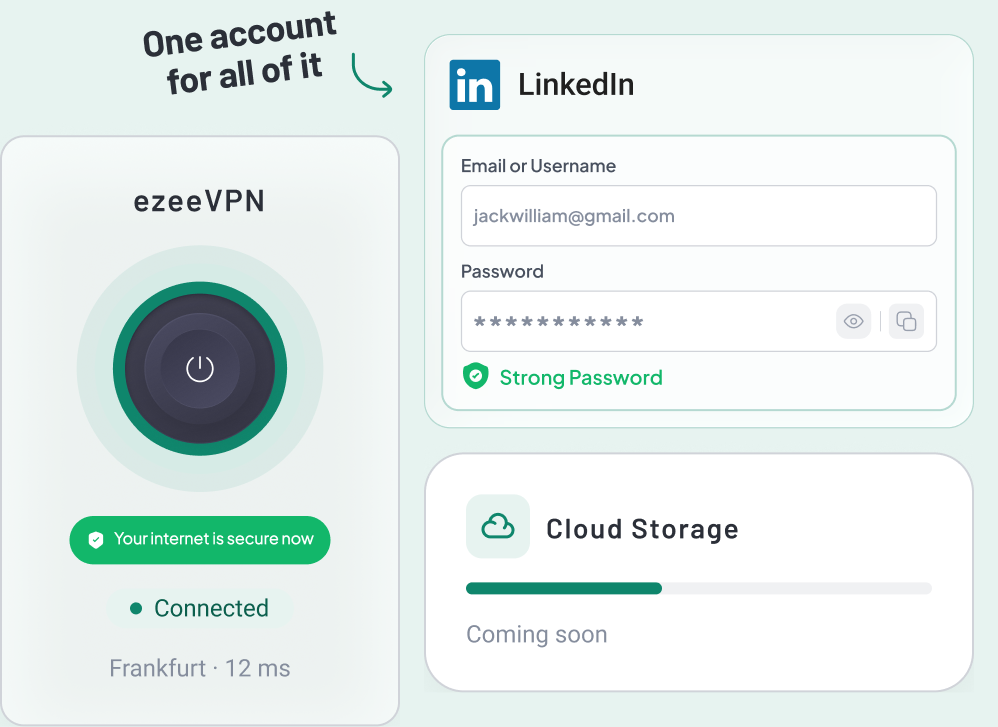
AvailableThe full ezee desktop app. Connect the VPN, open your Vault, and let it start with your device so you do not have to think about it.
Download for Windows
Windows 10 and 11, 64-bit
 Download
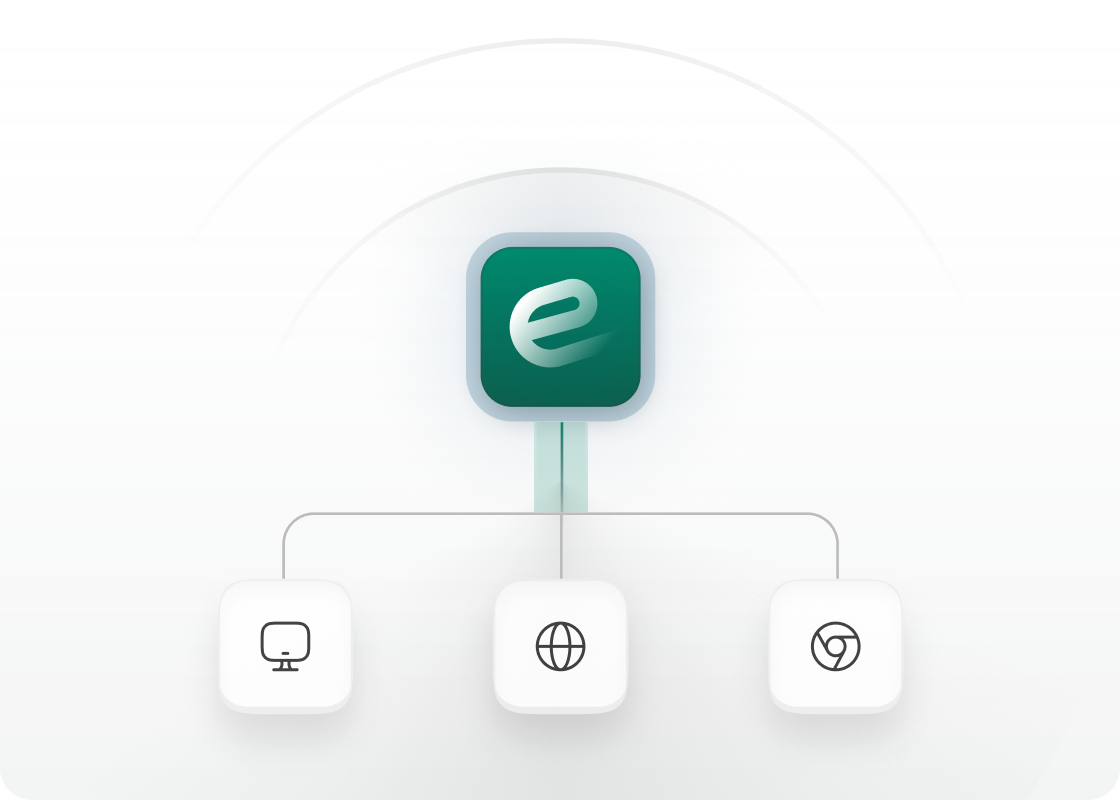
Install it on your PC, open it in a browser, or add it to Chrome. One account covers all three.
 Looks like you are on Windows. Prefer not to install? The web app runs in any browser.
WHERE EZEE RUNS
Install the Windows app, open the web app in any browser, or add the Chrome extension. One account covers all three.
The full ezee desktop app. Connect the VPN, open your Vault, and let it start with your device so you do not have to think about it.
Windows 10 and 11, 64-bit

Sign in from any browser to use ezee without installation. Great for shared machines.

Fills your Vault logins and card details as you browse, and shows your connection status in the toolbar.
Install, sign in, connect. That is the whole setup.

01
Pick your device on the Download page. It detects the system you are on and puts that installer first.
02
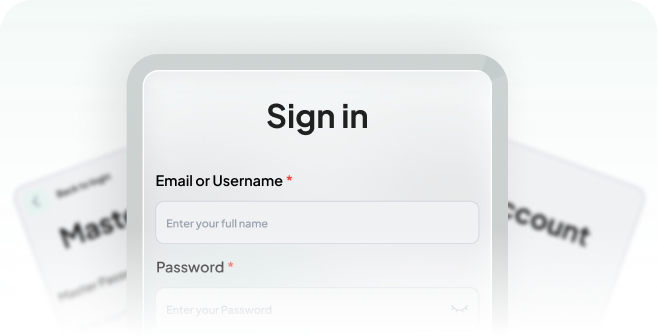
Use the account you created at checkout. The same login works on every device your plan covers.
03
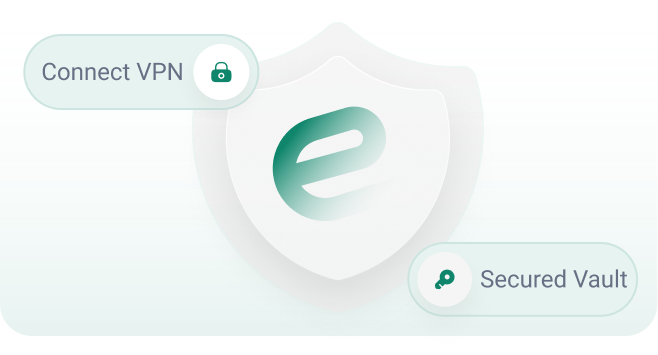
One switch. The app stays connected in the background until you turn it off.Keep your documents safe and sound!

Most install problems come down to an antivirus blocking the package or an old version still running. Support can walk you through it.