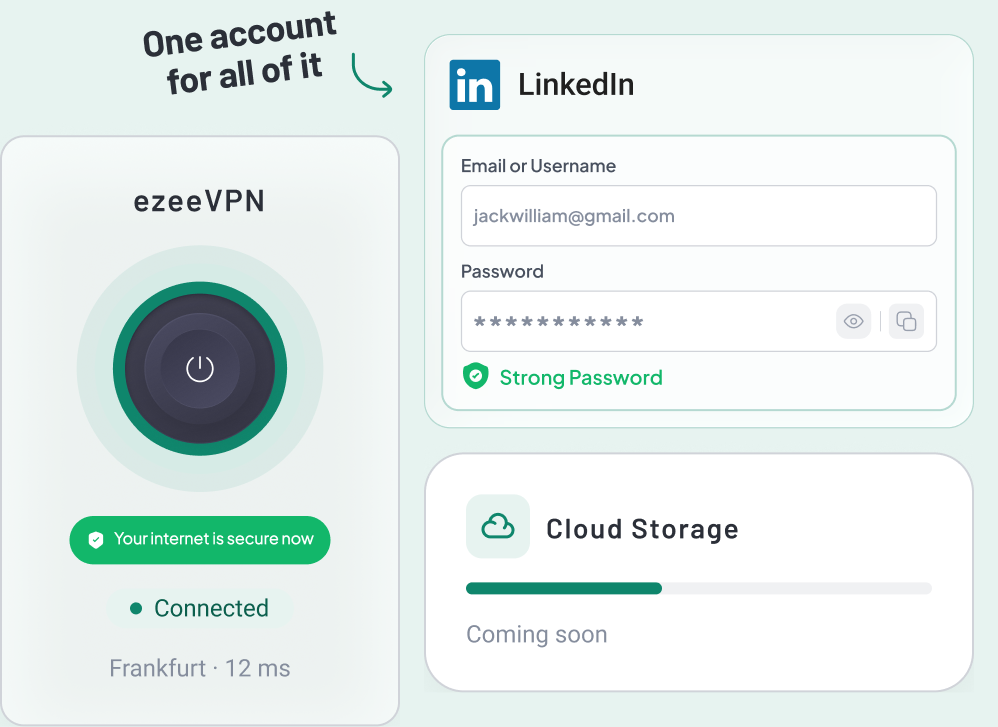
 Password Vault
Everything private.
One secure vault.
Passwords, cards, secure notes, Wi-Fi details and documents, kept in one place that only you open.
Included with every ezee plan · Windows · Browser Extension

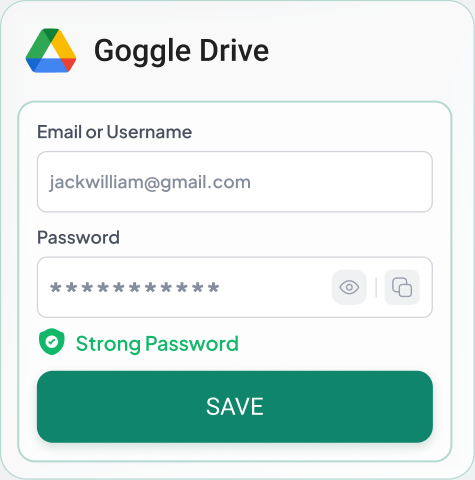
What lives in your vault
Five kinds of private detail, and a generator to create the next one.
-
Passwords
Keep all your logins in one spot, with the site and username easy to see!
-
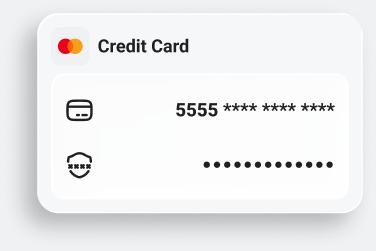
Credit & Debit cards
Stop worrying about card numbers! Just take a photo or type it in.
-
Secure notes
Recovery codes, licence numbers, anything you would rather not email to yourself.
-
Documents
Passports, insurance, contracts. In one place instead of scattered folders.
-
Wi-Fi passwords
The network details you always end up asking someone else for.
-
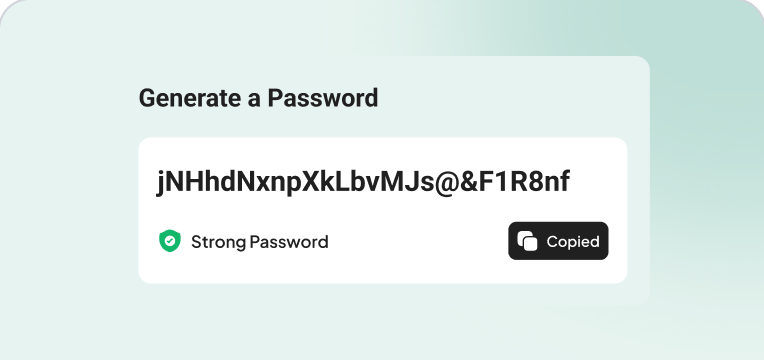
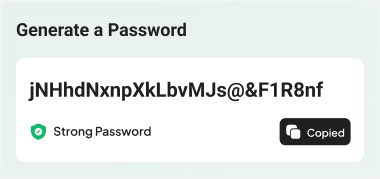
Password generator
Make a strong one at the moment you sign up, then save it in the same step.
 VAULT SECURITY
More than just a
password to your vault.
Accessing your vault requires a master password, a second verification step, and biometric unlock - it's more than just guessing a password.
-
01
Master password
Your vault opens only with a master password that you create and control - it's the one key to everything inside.
-
02
Multi-factor authentication
Add a second step at sign-in - a one-time code from your authenticator app or email - so your password alone is never enough.
-
03
Biometric & auto-lock
Unlock with Face ID or your fingerprint on supported devices, and let the vault lock itself the moment you step away.
-
04
Encrypted storage
Everything you save is stored encrypted, never as plain text, so your private details stay private.
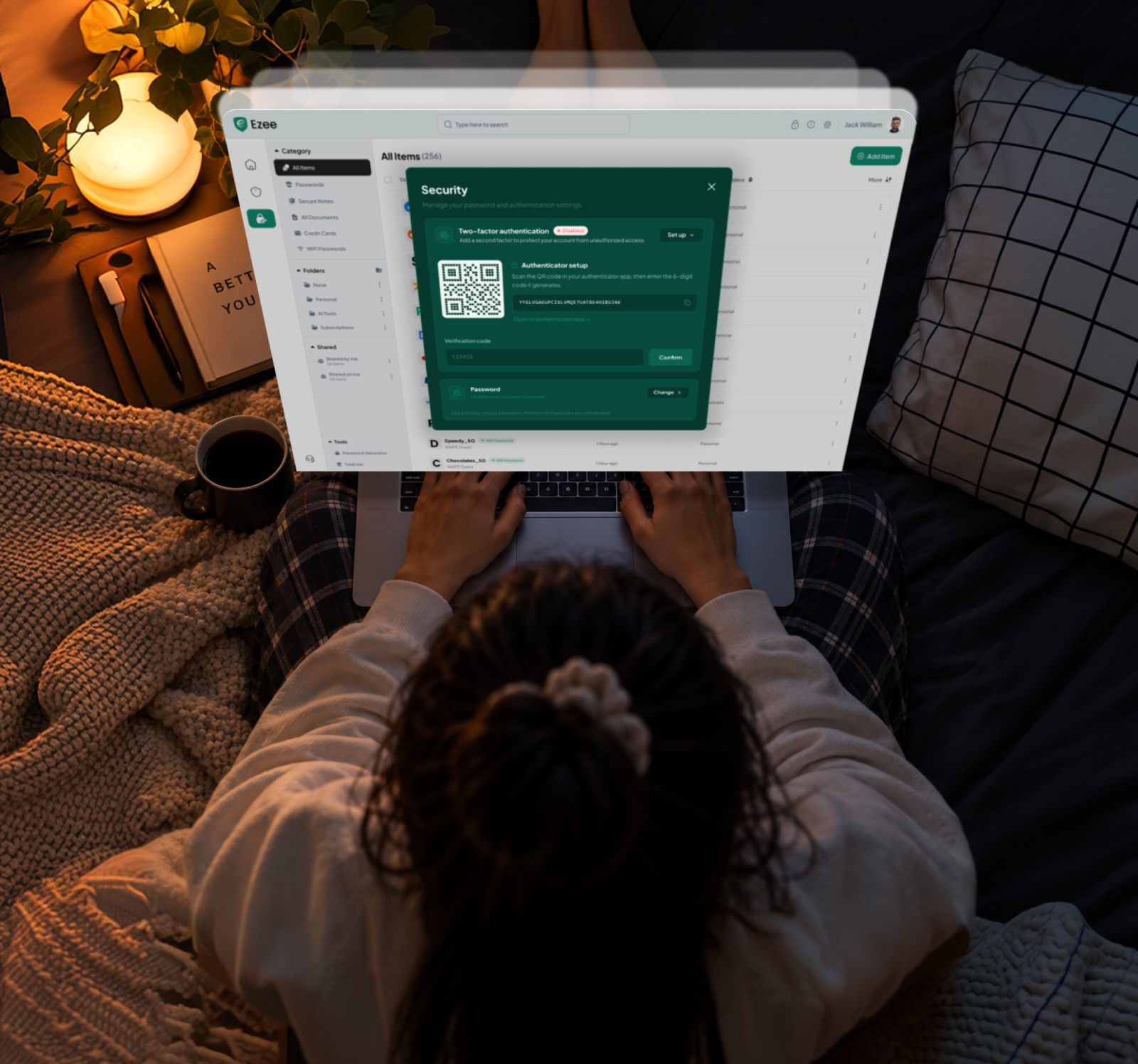
Get it running in a minute
Install, sign in, connect. That is the whole setup.
-
01
Install
Pick your device on the Download page. It detects the system you are on and puts that installer first.
-
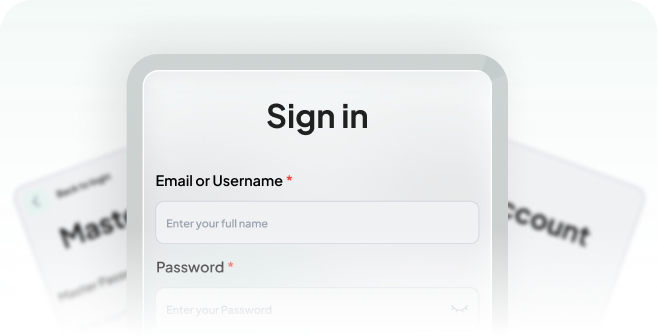
02
Sign in
Use the account you created at checkout. The same login works on every device your plan covers.
-
03
Connect and save items securely
One switch. The app stays connected in the background until you turn it off.Keep your documents safe and sound!
Your private information belongs in a private vault
Written in plain language, and only what the product actually does.


One master password
Your vault opens with a password only you know, kept separate from your ezee login and the rest of your account.

Encrypted vault
Everything you save is stored in an encrypted vault, so it's never left sitting in plain text.

Kept to yourself
Your master password is yours alone - keep it somewhere safe, because it’s the key to your vault.

Your data, your vault
What you keep in your vault stays in your vault. Our Privacy Policy explains exactly how your data is handled.
Your vault, on every device
The same vault on desktop, mobile and in the browser. Sign in with the ezee account you already have.
Go to downloads
Desktop App
Windows

Browser Extensions
Chrome

Logins, credit and debit cards, secure notes, Wi-Fi passwords and documents. Anything you would otherwise keep in a notes app, a browser or a photo on your phone.
Not if you are on VPN + Vault - the Password Vault is included. You can also take the Password Vault on its own. The Pricing page shows both options side by side.
Yes. Sign in with the same ezee account on each device and your items sync between them, so what you save on your laptop is there on your other devices too.
Yes. You can share a secured item - the Wi-Fi password, for example - with someone else instead of sending it in a message or an email. Share only with people you trust.
We cannot recover the Vault for you. Your items are encrypted on your device with a key derived from that password, and we never receive it. That is the point of the design: a Vault we could unlock is a Vault someone else could unlock. Keep a recovery note somewhere safe and offline.
Yes. Export from your browser or your current password manager and import the file into the Vault. Delete the export file afterwards - it is a plain, readable copy of everything you just moved.
Everything is encrypted on your device with a key derived from your master password before it is sent to us, so we only ever store encrypted data. We never receive the master password itself, which means nobody at ezee can read your Vault. Opening it also takes a second verification step.

Start with one password.
Password Vault is included with every ezee plan, on every device you already use.